Live wallpaper
Drifting leaves, rain, snow and fireflies play behind your desktop icons. Or use your own GIFs, videos, YouTube and TikTok links.
 Suede
Join our Discord
by Spy Pigeon Studios
make yourself at home
A cosy little room for your Windows desktop. A live wallpaper behind your icons, widgets that sit right on it, and sticky notes you can scribble on.
free for a limited time
Version 1.0.2. Free until 6 November 2026, for your own personal use.
Tick the box above to download.
Only download Suede from spypigeonstudios.com. Copies from anywhere else aren't official and may have been tampered with.
Suede stays light and quiet in the background. Switch any part on or off, and change the colours, fonts and size of everything.
Drifting leaves, rain, snow and fireflies play behind your desktop icons. Or use your own GIFs, videos, YouTube and TikTok links.
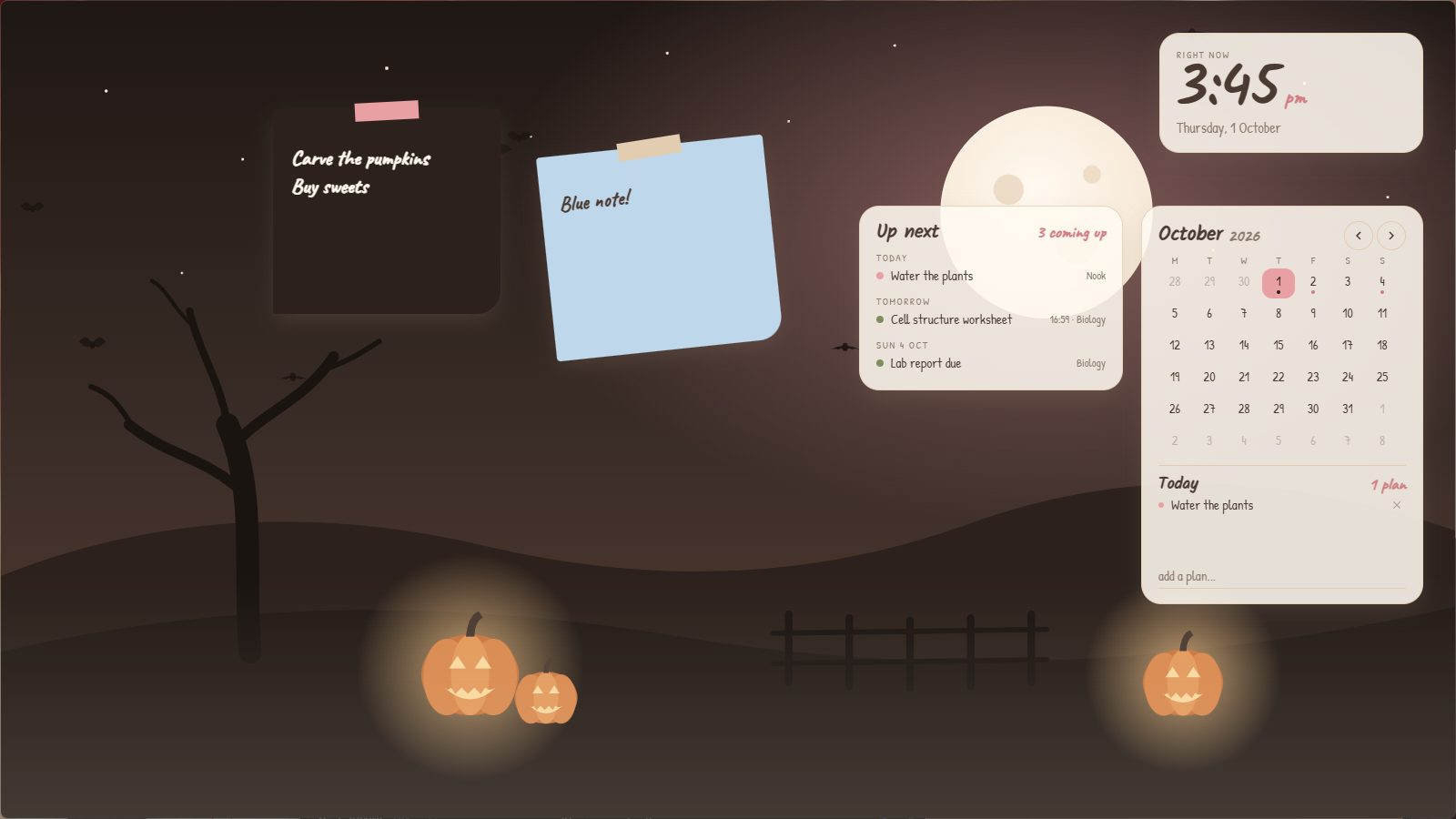
A clock, calendar, checklist, focus timer, countdown, little notes and a record player that spins with whatever you are playing.
As many as you like, in any colour. Click one on your desktop and start writing.
Widgets stay put so you never knock them by accident. When you want to move things, drag, turn, resize and group them.
Build your own widgets and wallpapers right inside Suede, and share them with friends. Every widget runs in a safe sandbox.
Flick a window across the screen and watch it wobble into place. Just for fun.
Hand-made scenes in Suede's warm colours, with something gently moving in each one.
Pumpkins, a big moon and little bats
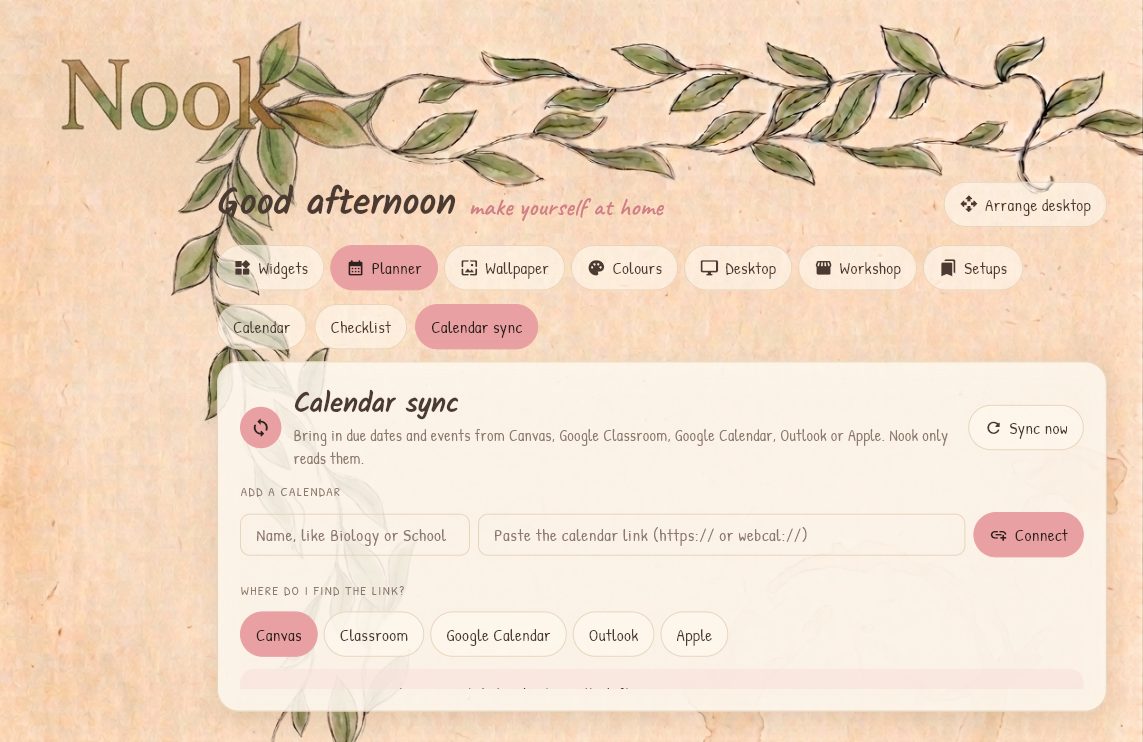
Connect Canvas, Google Classroom, Google Calendar, Outlook or Apple Calendar. Due dates show up on the calendar and in the Up next widget, so you can see what is coming without opening a single tab.
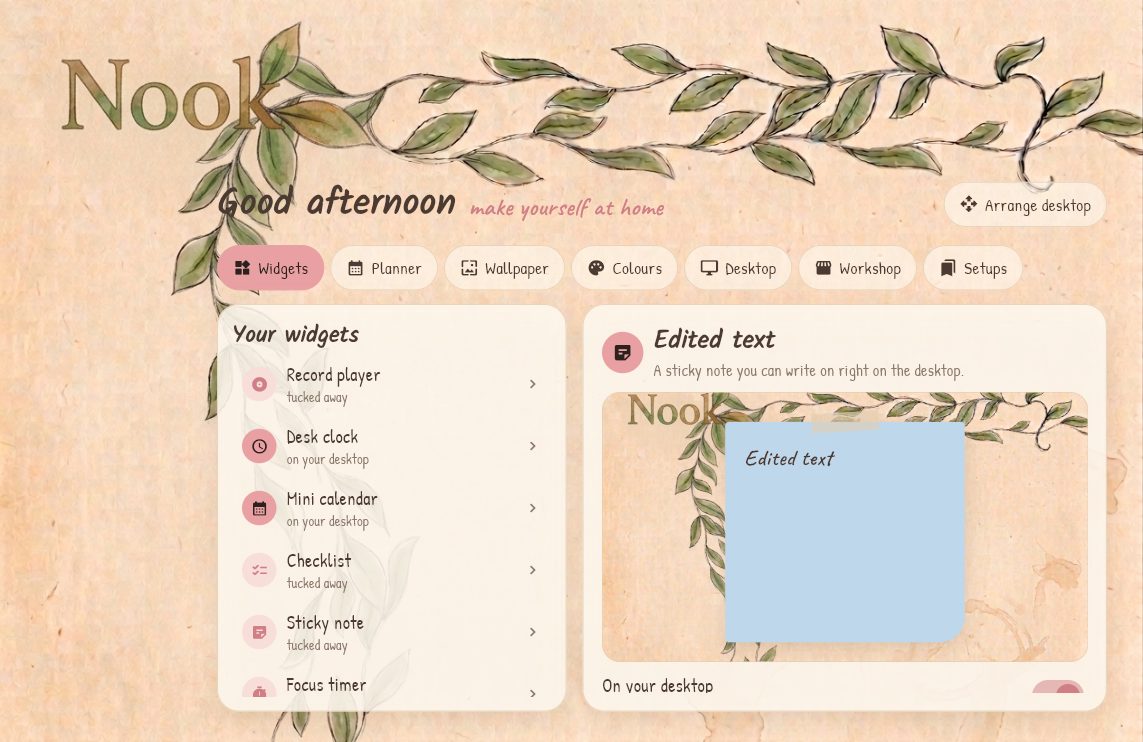
Every widget has its own card colour, corners, font, size and rotation. Save the whole look as a setup and switch between them, like a cosy study corner for school days and a quiet one for weekends.
A short welcome tour sets everything up the first time you open Suede.
next from Spy Pigeon Studios
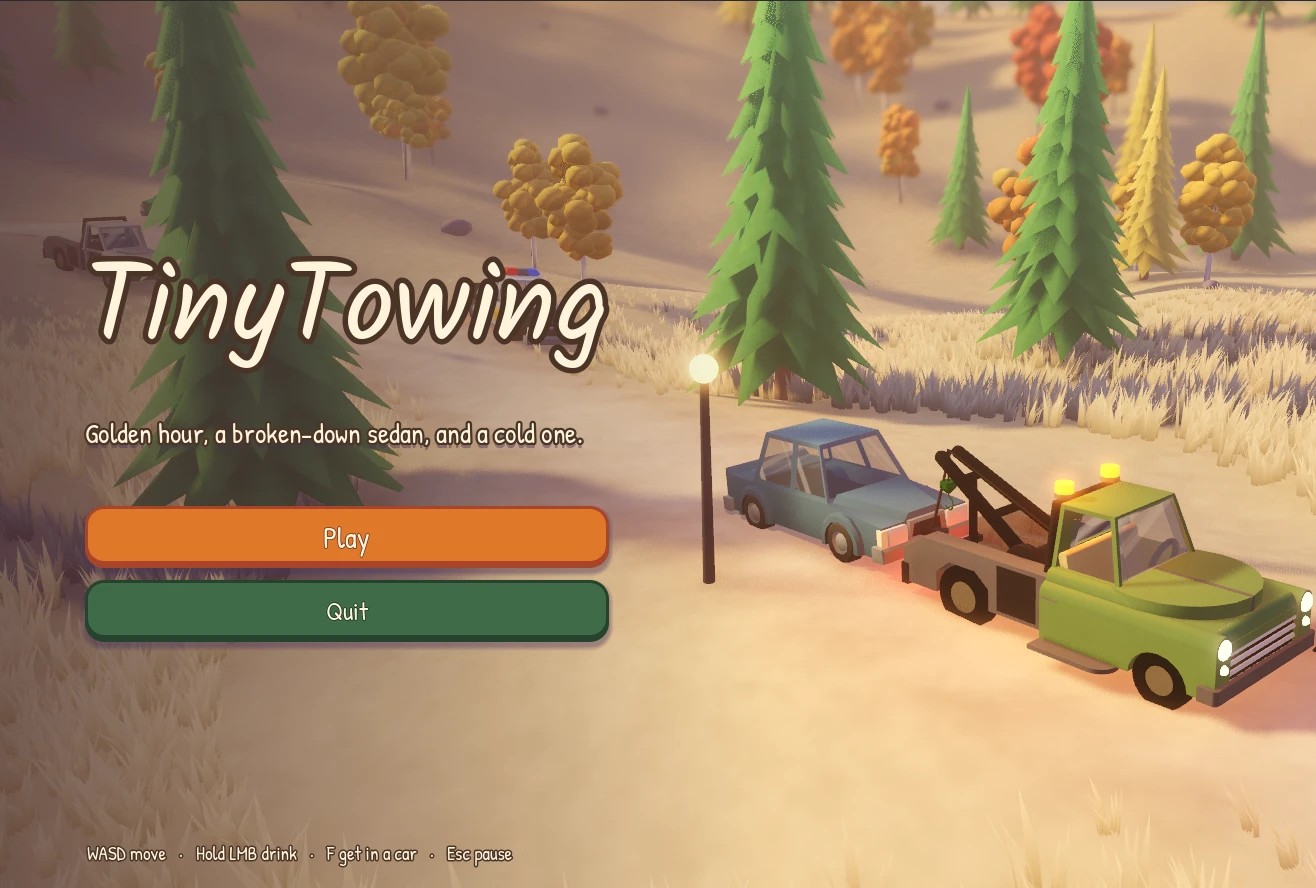
A co-op game where you and up to five friends run a repo company that's about to go under. Take on jobs, haul in vehicles, and work together to turn the business around. Made by high schoolers, and now in development.
Right now. Suede 1.0 is free to download until 6 November 2026. After that, Suede is coming to Steam.
Nothing until 6 November 2026. After that, Suede will be a paid app on Steam, and the price will be shared closer to launch.
Windows 10 and Windows 11 (64-bit), and Macs with Apple Silicon or Intel chips. Linux is coming soon.
Suede is built to stay light. It can also pause the wallpaper while a game or full-screen app is open.
Yes. Workshop widgets run in a locked sandbox, so they cannot reach your files or the rest of your computer.